
Gameplay
-
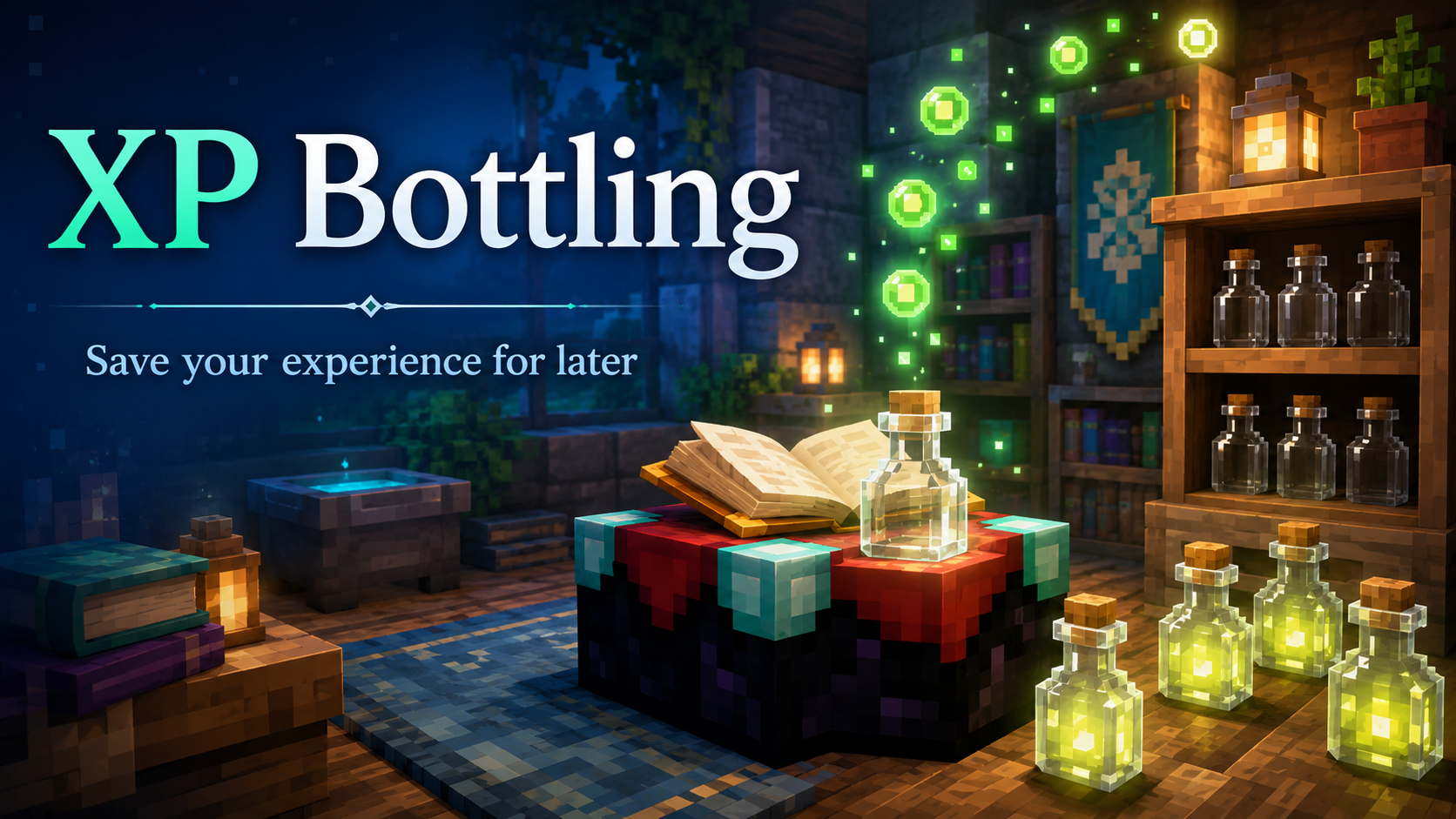
XP Bottling
Save your experience for later instead of carrying it around and risking it all. XP Bottling lets you turn some of your experience into Bottles o’ Enchanting. You can store those bottles in a chest, carry them safely, trade them with another player, or use them later when you need XP for enchanting, repairing gear,…
-

Link Java + Bedrock Accounts
Play DadCraft on PC today and your phone tomorrow without starting over. If you own both Minecraft: Java Edition and Minecraft: Bedrock Edition, you can link the two accounts so DadCraft recognizes them as one player identity. That means you can move between supported Java and Bedrock devices while continuing with your linked Java player…
-
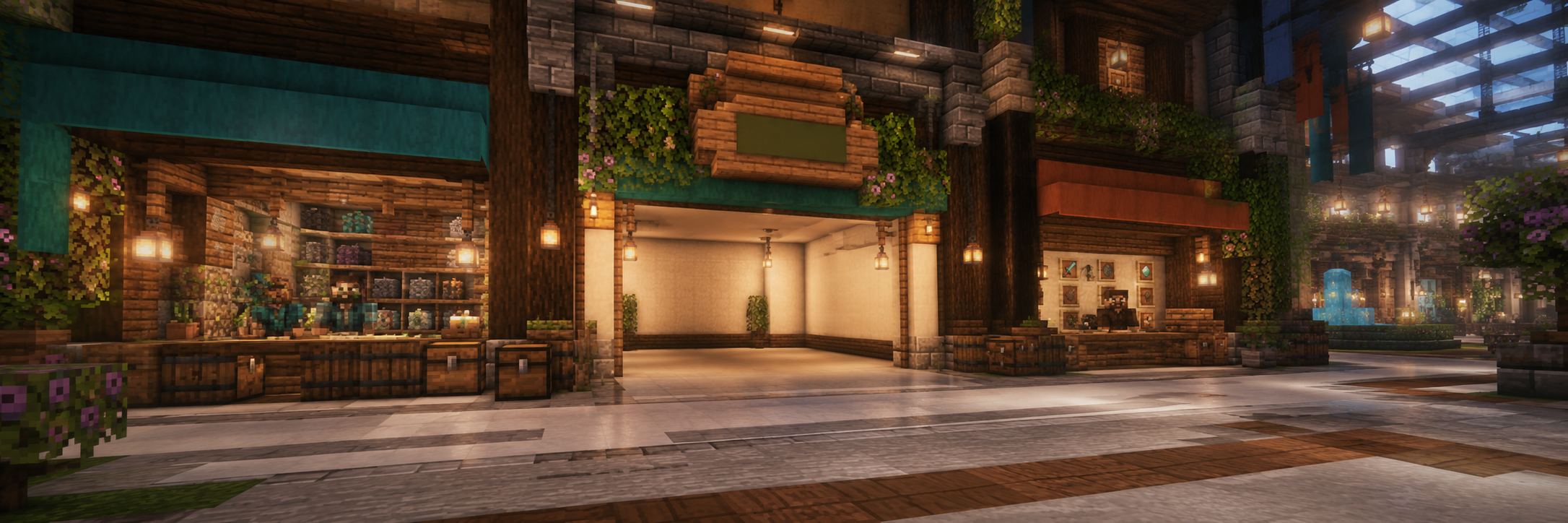
Open & Run a Shop at the /mall
How to Open and Run a Shop in the DadCraft Mall Ready to become a tiny block-business legend? The DadCraft Mall is where players can rent their own shop space, decorate it, stock it, and sell items to other players. Here’s the easy version. Step 1: Pick a Shop Location Head to /mall and look…
-
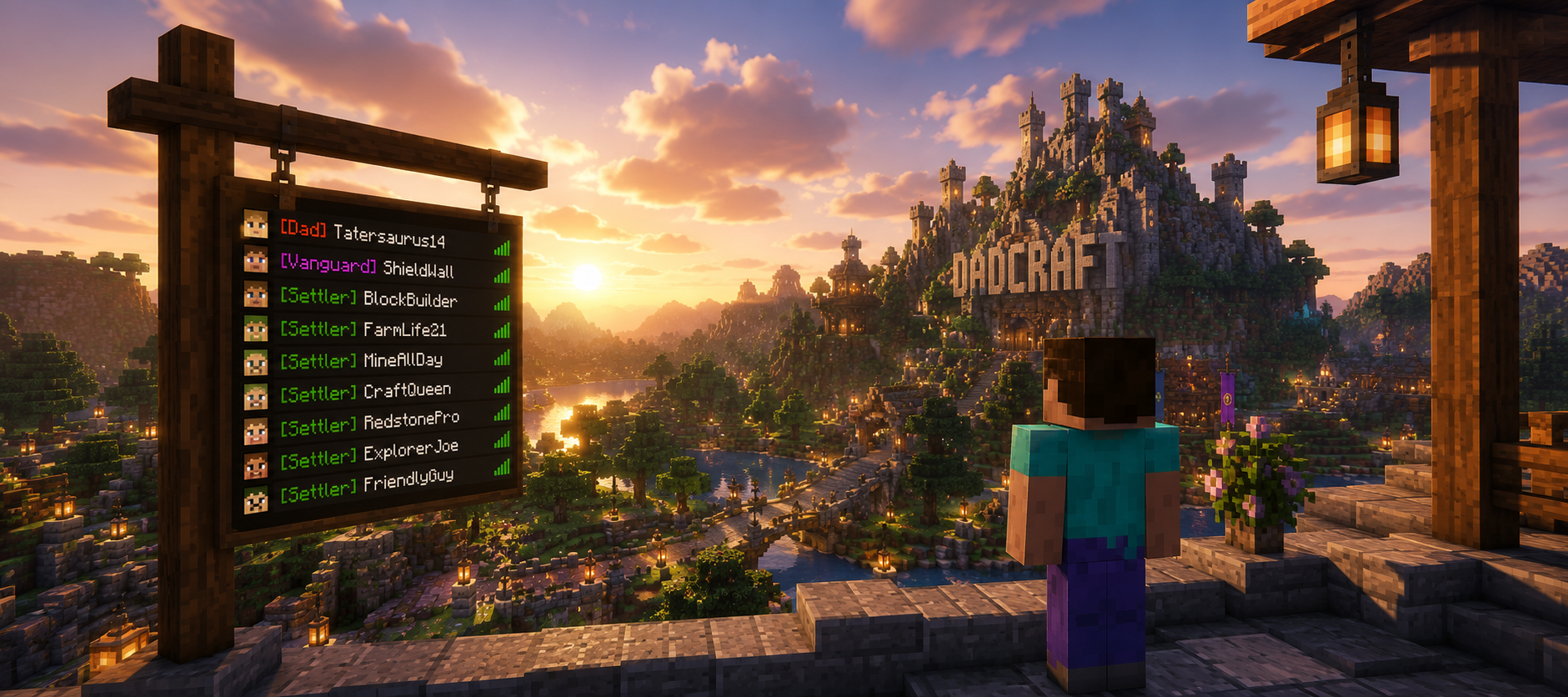
TAB Plugin
Quick info for players TAB handles your tablist, bossbar (DadDash), scoreboard, and nametags. Most features run automatically. Use these commands to control what you see (permissions required for some toggles). Keep in mind, not all TAB features are utilized in DadCraft. Bossbar (DadDash) Toggle the top bossbar (DadDash) on or off for yourself. Subcommands: /tab…