Quick info for players
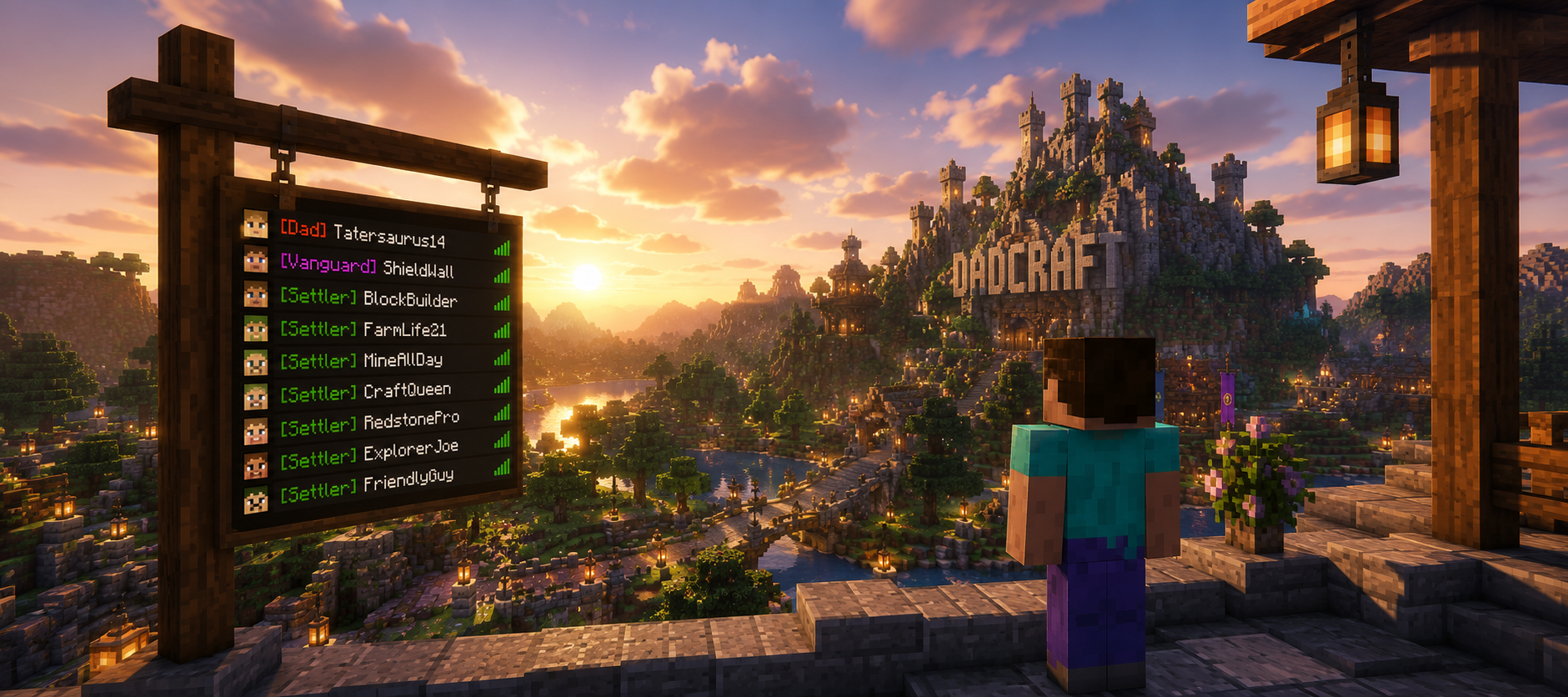
TAB handles your tablist, bossbar (DadDash), scoreboard, and nametags. Most features run automatically. Use these commands to control what you see (permissions required for some toggles). Keep in mind, not all TAB features are utilized in DadCraft.
Bossbar (DadDash)
/tab bossbar toggleToggle the top bossbar (DadDash) on or off for yourself.
Subcommands: /tab bossbar on | /tab bossbar off
/tab bossbar show <name> Show a specific bossbar (staff-granted only).
Scoreboard
/tab scoreboard toggleToggle the side scoreboard on or off for yourself.
Subcommands: /tab scoreboard on | /tab scoreboard off
/tab scoreboard show <name>Show a specific scoreboard (if permitted).
Nametags
/tab nametag toggleToggle visibility of your own nametag (if permitted).
/tab nametag showview / hideview / toggleviewControl whether you can see other players’ nametags.
Other Useful Commands
(No additional player commands at this time)
Notes
- Many features are controlled by permissions. Ask staff if a toggle isn’t working.
- DadDash (bossbar) is usually on by default for everyone.
- On proxy/Bungee setups you may need /btab instead of /tab.
Download Our Quick Reference Card: